
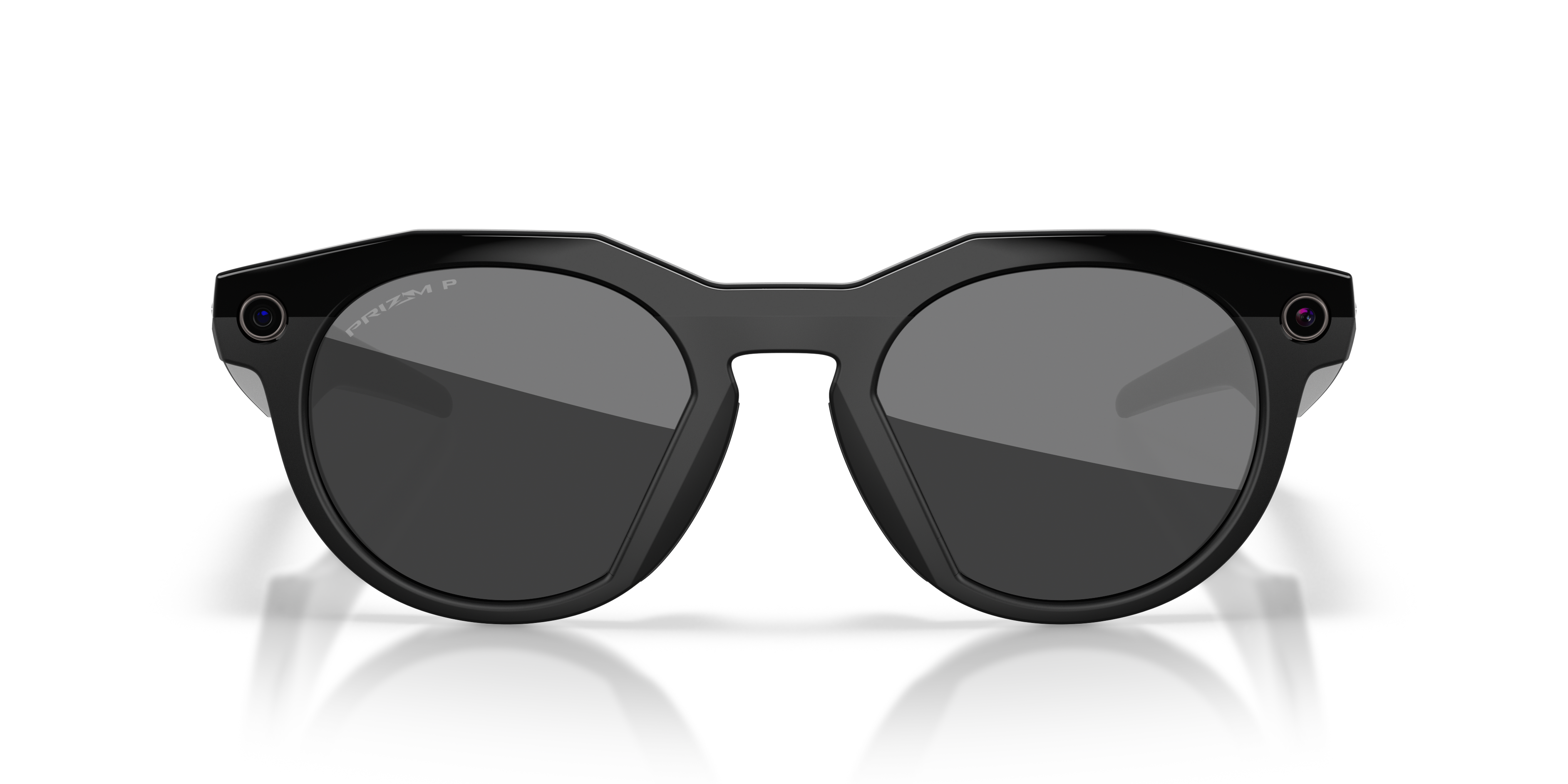



emsName: Meta_Modelo_Espot
AI GLASSES DESIGNED FOR YOU
Many styles. Infinite possibilities. Express yourself like never before.
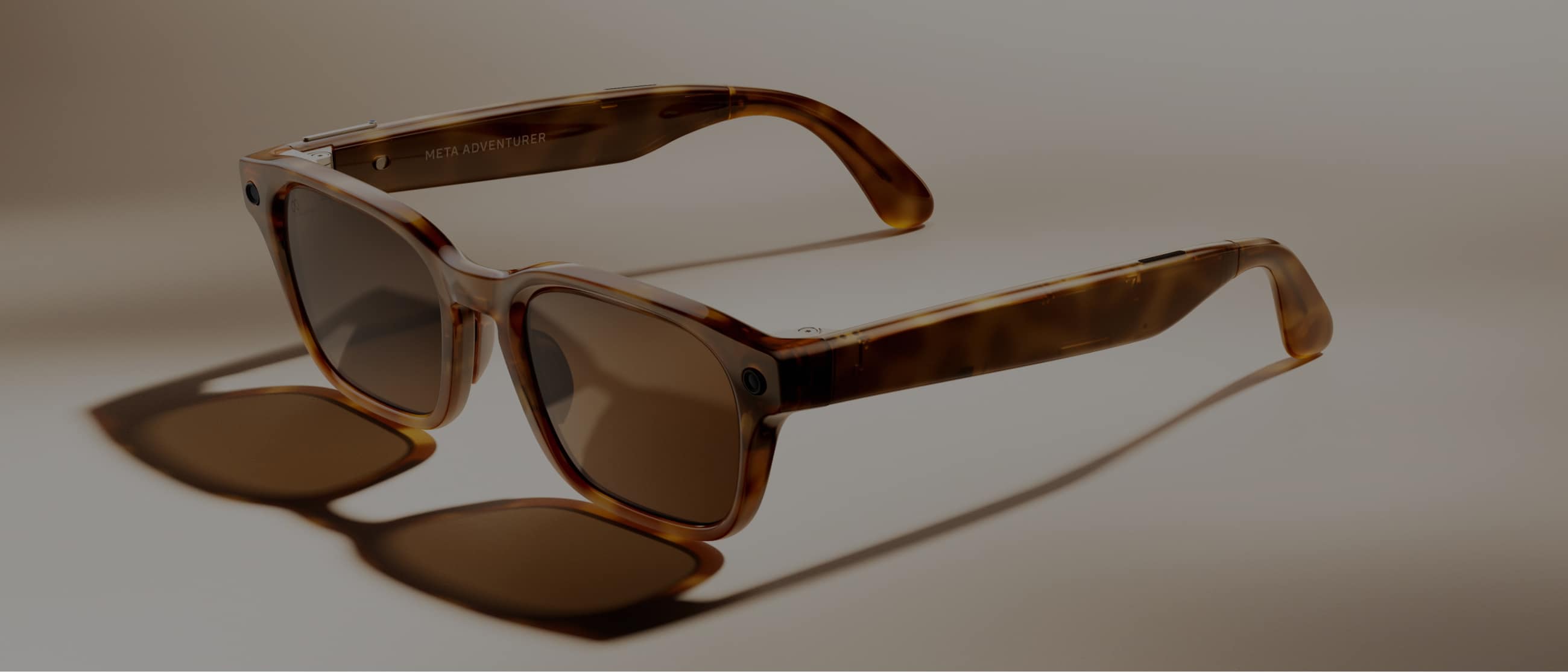
INTRODUCING META GLASSES
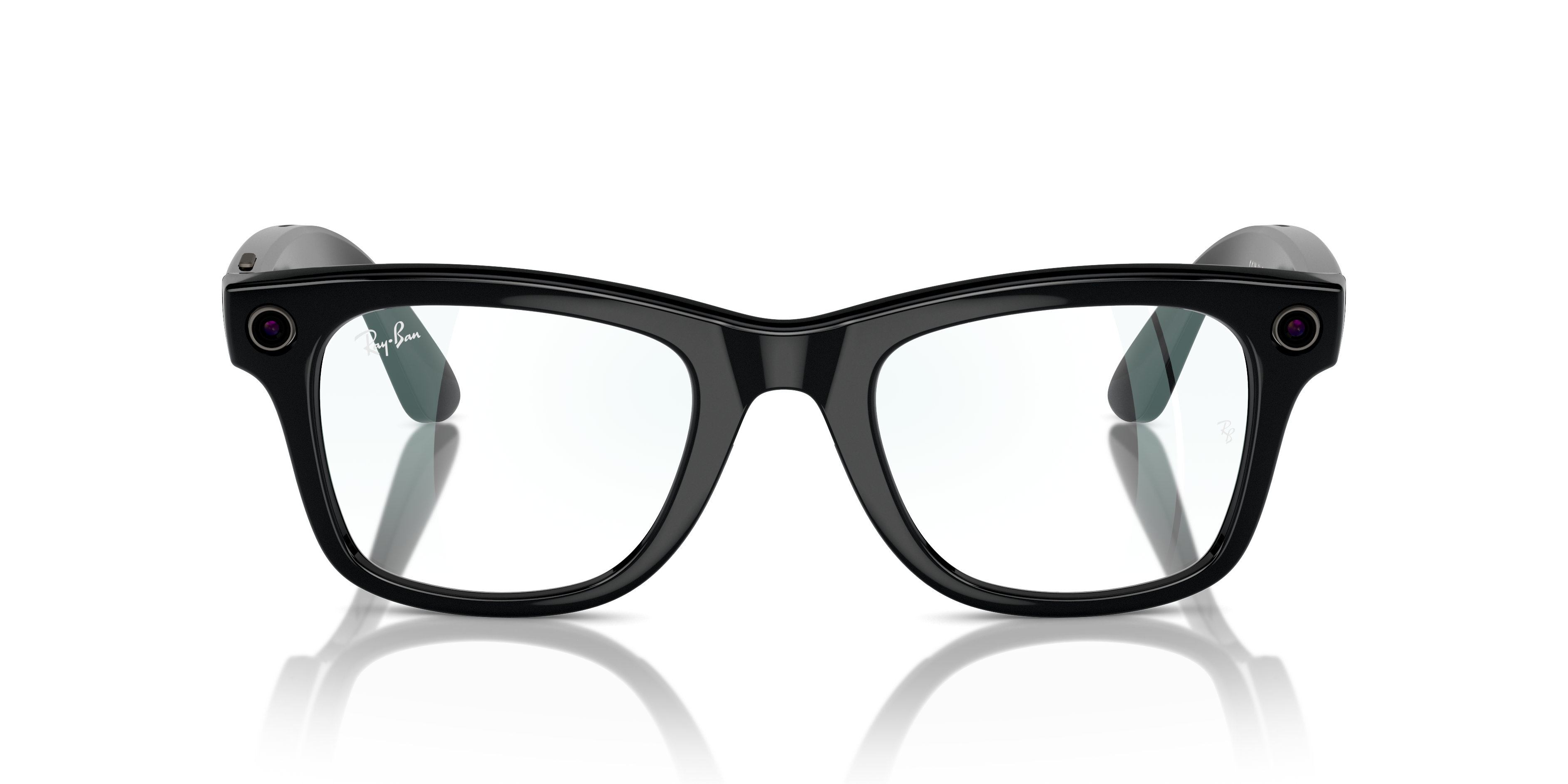
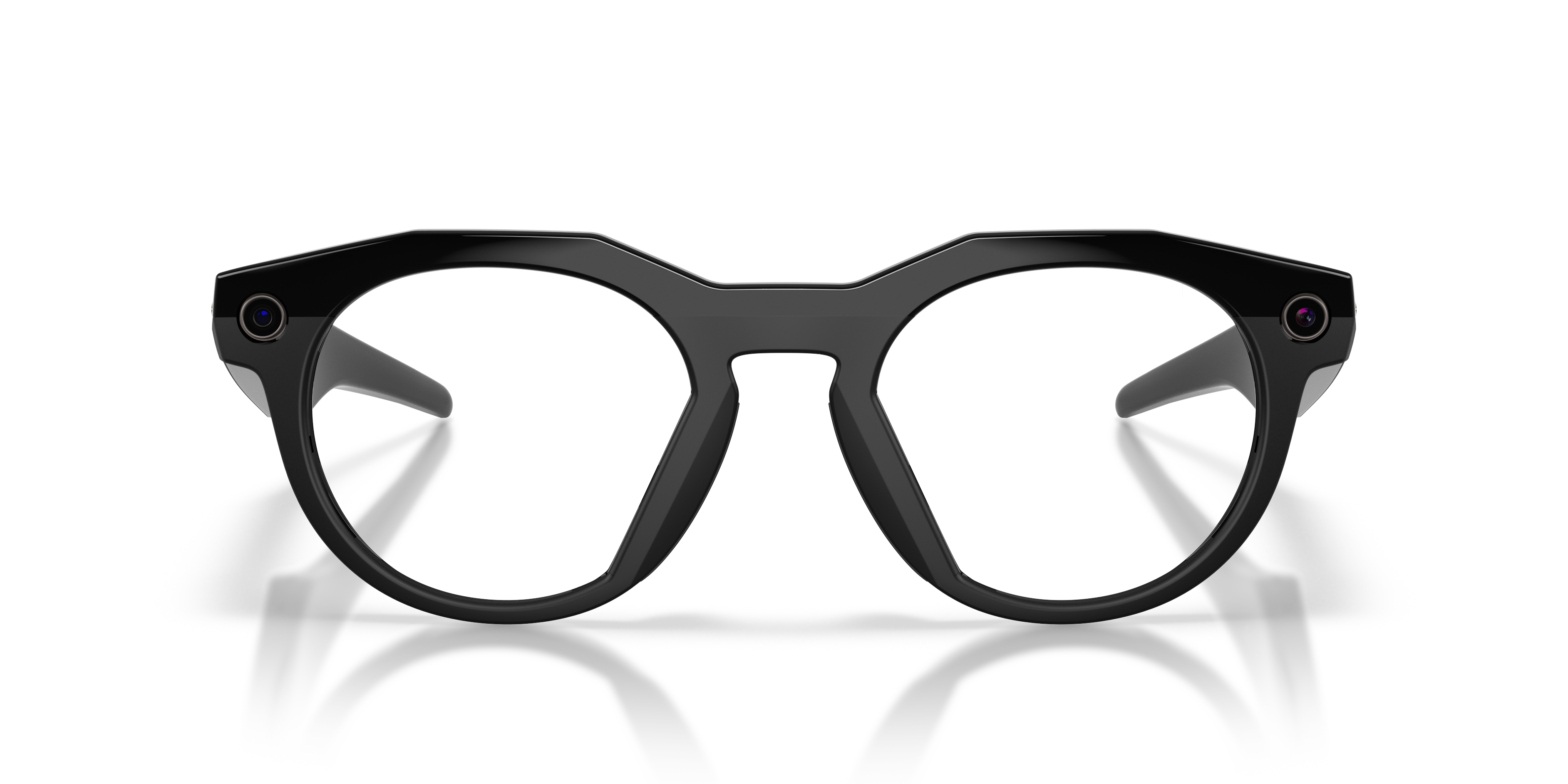
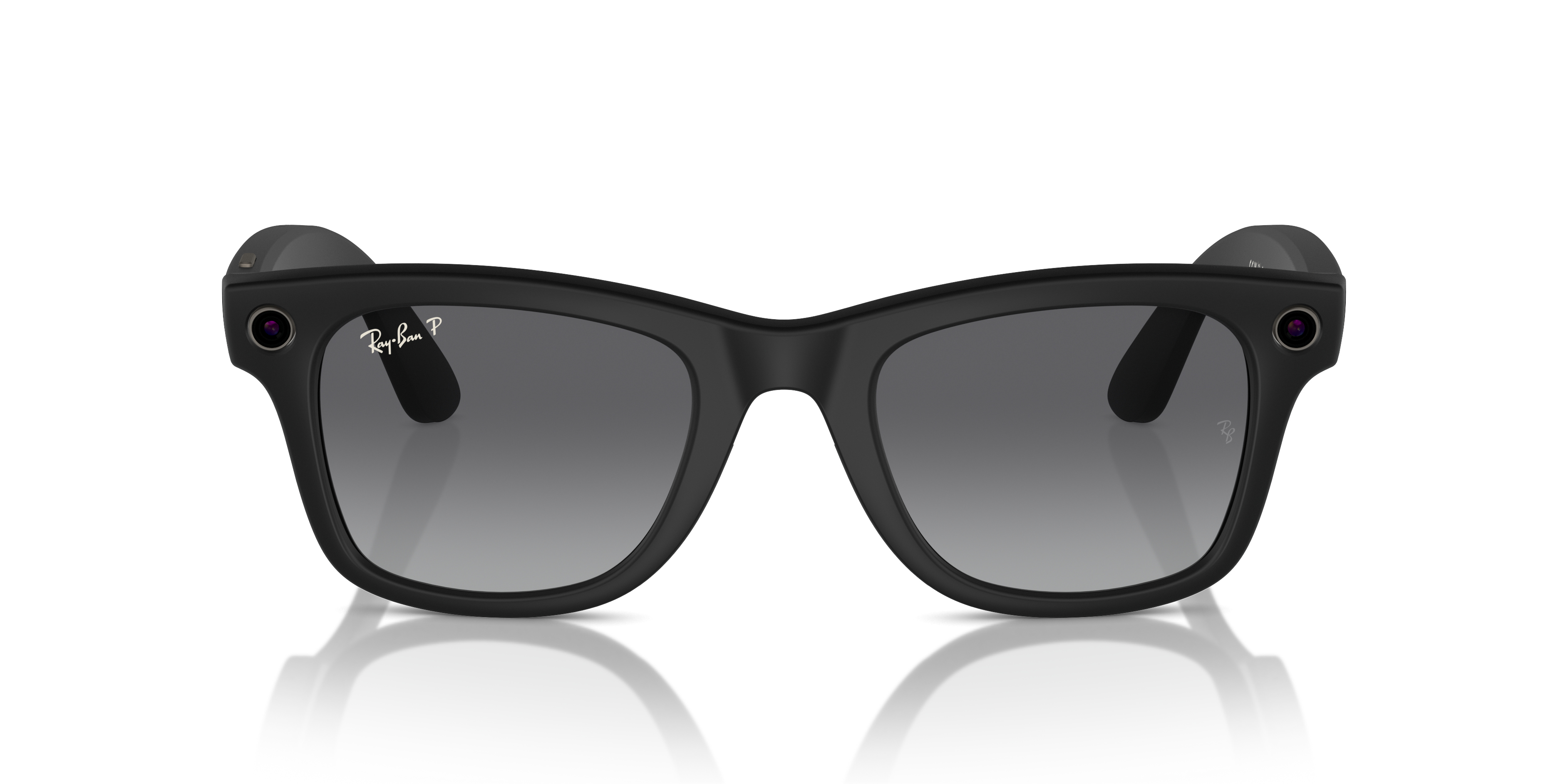
Discover the new Meta Glasses, stylish prescription-only frames designed to get the most out of your day. Find the perfect AI glasses for you.
Adventurer
Fury
Starfire
PRODUCT HIGHLIGHTS
With Meta AI built right into your frames, get instant inspiration, capture vibrant photos and videos, call loved ones, or listen to your favorite music — all hands-free. Chat on WhatsApp, Instagram, or Messenger, without pulling out your phone to send a text. With prescription lenses, bold colors, premium finishes, and exclusive collaborations, these AI glasses are made for you.

META AI
A personal expert by your side.
Answers, tips and inspiration are a question away. Forgot an ingredient for dinner? Ask Meta AI for a substitute to save a trip back to the store. Touring a new city? Find out where to grab the best coffee nearby.
TRANSLATE
Translate across 20+ languages.
Travel like a local whether you're navigating a bustling market in Spain or having a conversation in Japanese. Just say "Hey Meta" to start a live translation and connect with people as easy as one, deux, tres.

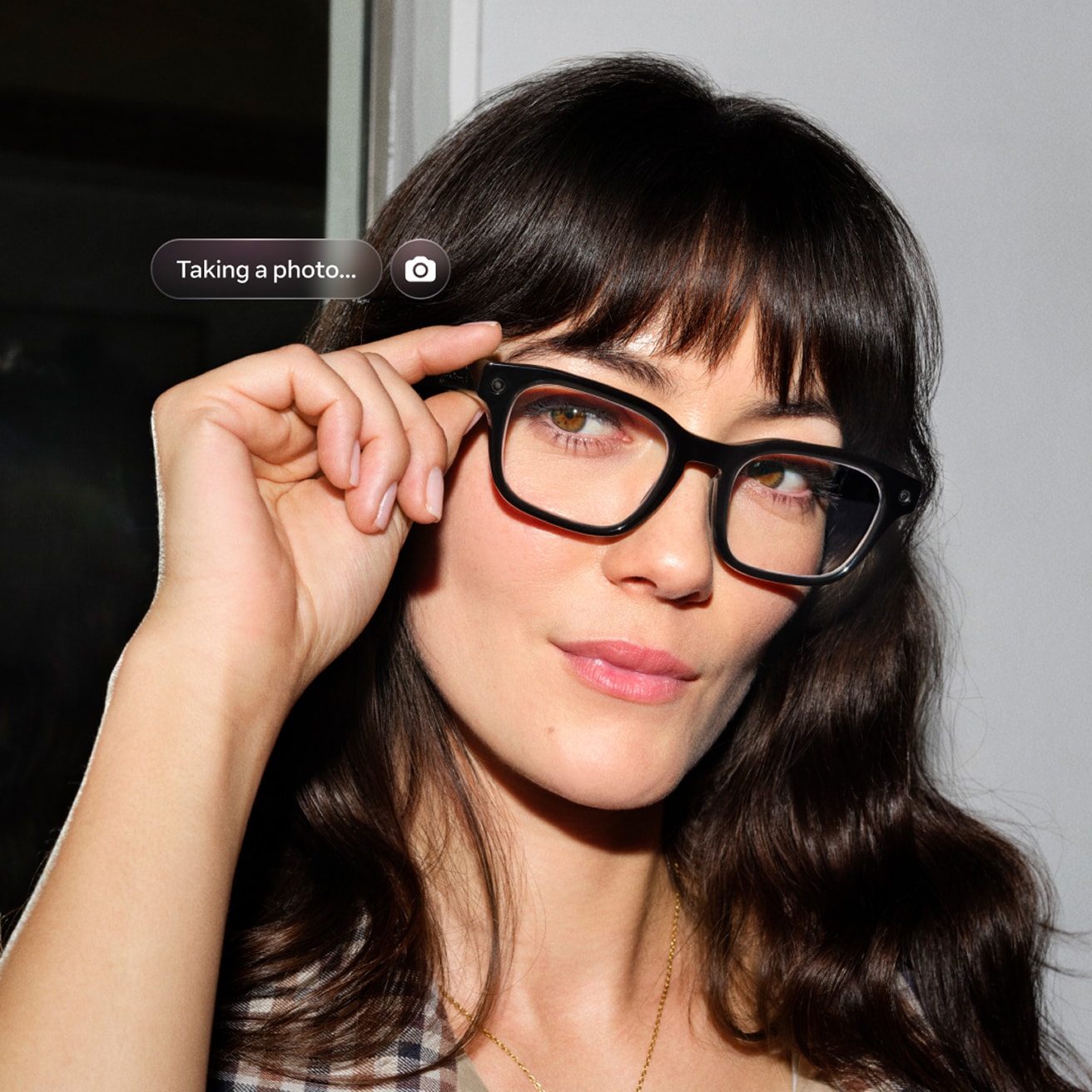
CAPTURE
Capture the world as you see it.
Instantly record the moment while staying in the moment. Simply press the button or say "Hey Meta" to take a photo or video of what you see in true-to-life, vibrant color ready to share on Instagram, WhatsApp or text.
LISTEN
Tune in without tuning out.
Connect Spotify*, Apple Music and Audible to your glasses and say "Hey Meta" to play what you love, hands-free. Hear premium sound through open-ear speakers while staying aware of the world around you.
*Additional account required. Fees may apply.

HOW TO ADD YOUR PRESCRIPTION
1 | Find your perfect pair
Discover our range of Meta Glasses and select your favorite.
2 | Select your lenses
Choose your lenses, add your prescription, and sync your insurance anytime.
3 | Personalize your lenses
Select lens type and thickness, and add lens treatments like Transitions® lenses.
4 | Complete your purchase
We ensure 100% satisfaction with our 30 day happiness guarantee.
META AI APP
Manage your glasses and customize settings, import and share photos, and interact with your personalized Meta AI* assistant seamlessly across your glasses and the app. Learn about features and see how others are getting the most out of Meta AI through the feed.
*Certain Meta AI features only available in select countries and languages.

Get support
faq
To pair your glasses, open the Meta AI app and make sure you're logged in to your Meta account. If you already have glasses paired to the Meta AI app, go to Settings and tap the ""Add Device"" button on the top right. Then: 1. Select either Ray-Ban Stories or Ray-Ban Meta and proceed until you reach bluetooth pairing (bluetooth permissions must be granted) stage. 2. Make sure your glasses are turned on and placed in the case. 3. Press and hold the pairing button on the back of the case for 5 or more seconds. Release when the case LED pulses a blue light. 4. Your glasses should automatically appear in the app when they're ready to pair."
Choose between Standard and Expedited shipping in all supported countries. Our Collect in store service is available in select locations. The shipping methods available for your address will be visible at checkout. For full details please refer to our Shipping Policy.
To operate Ray-Ban Meta glasses you need to connect your glasses with a smart phone and the Meta AI App. Here’s the complete checklist: • Smart phone with a recently released operating system: Android 10 and above (with location services enabled) or iOS 14.4 and above. See complete list of supported phones here. • Wireless internet access • USB-C charging plug (if charging from a power outlet and not directly from a USB point) • A valid Meta account • Meta AI App (downloadable from your App store here or by scanning this QR code)
Your Ray-Ban Meta glasses come with the following accessories and user manuals: • Charging case • Quick Start Guide • Safety & Warranty Guide (also downloadable here) • Instructions for ordering Prescription lenses • Cleaning cloth
WHEN YOU FIRST UNBOX YOUR RAY-BAN GLASSES: 1. Remove the plastic tab between the case and the glasses 2. Make sure your glasses are redocked inside the case 3. Wait until the LED light starts flashing blue 4. Your device is now ready to pair MANUALLY: 1. Place your glasses inside the case 2. Press and hold the button on the back of the case for at least 5 seconds 3. Wait until the LED light starts flashing blue 4. Your device is now ready to pair PAIRING YOUR GLASSES WITH YOUR PHONE: 1. Download the Meta AI app from your app store and log in using your Meta account. 2. Turn on the Bluetooth setting on your phone. 3a. Start by turning on your glasses. Slide and hold the power switch towards the lens until the notification LED starts blinking white, then release it. The notification LED blinks white while your glasses turn on, which can take up to a minute. When the notification LED turns solid green, you're ready to continue. (If you can’t complete this step, continue to 3b, otherwise move on to step 4). 3b. Your glasses need to be fully charged before pairing. If you need to charge your glasses, place them inside the charging case and connect the case to a power source before moving on to step 4. 4. Put your glasses into Bluetooth pairing mode. Fold both arms and hold the capture button on top of the frames down for 12 seconds until the LED on the inside of the frames starts blinking blue. Your glasses will appear in the app when they're in pairing mode, which can take up to 10 seconds. 5. Continue following the instructions in the Meta AI app to finish setting up your glasses. 6. Enjoy exploring your world in a new way with the Ray-Ban Meta collection. For illustrated set up instructions, please refer to the Meta AI app.